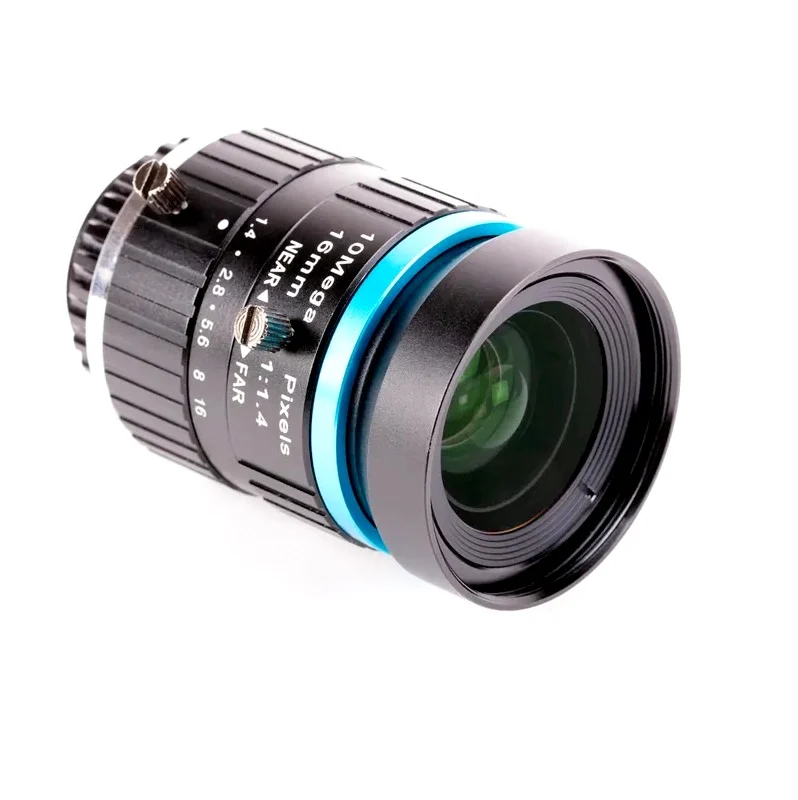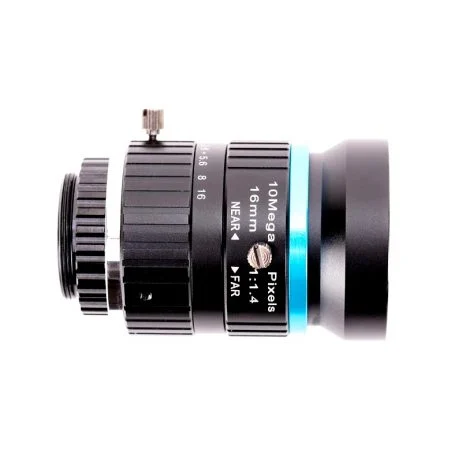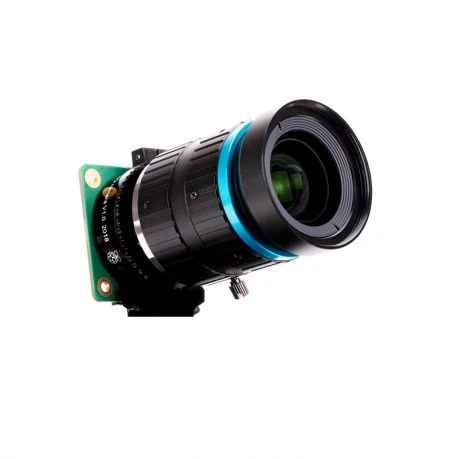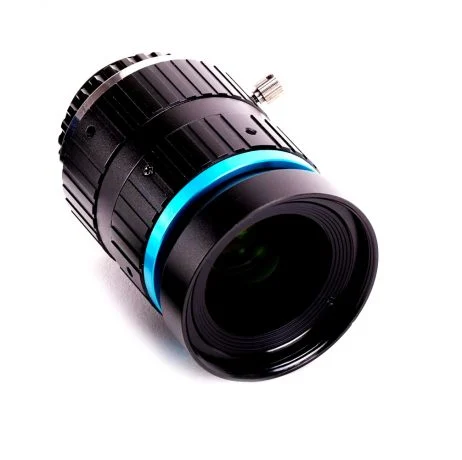
The 16 mm lens provides a higher quality image than the 6 mm lens. It has a narrow-angle view which is more suited to viewing distant objects. Ensure the C-CS adapter that comes with the High-Quality Camera is fitted to the lens. The lens is a C-mount device, so it has a longer back focus than the 6 mm lens and therefore requires the adapter. Rotate the lens and C-CS adapter clockwise all the way into the back focus adjustment ring.
The back focus adjustment ring should be screwed in fully. Use the back focus lock screw to make sure it does not move out of this position when adjusting the aperture or focus. To adjust the aperture, hold the camera with the lens facing away from you. Turn the inner ring, closest to the camera, while holding the camera steady. Turn clockwise to close the aperture and reduce image brightness. Turn anti-clockwise to open the aperture. Once you are happy with the light level, tighten the screw on the side of the lens to lock the aperture into position.
To adjust focus, hold the camera with the lens facing away from you. Turn the focus ring, labeled “NEAR FAR”, anti-clockwise to focus on a nearby object. Turn it clockwise to focus on a distant object. You may find you need to adjust the aperture again after this.
Features:
- High Level of zoom for advanced applications
- Suitable for Distance photography
- Thumbscrew Adjustment for easy fitting
- Front and back covers for protection
Package Includes:
1 x 16mm Telephoto Lens for Raspberry Pi High-Quality Camera
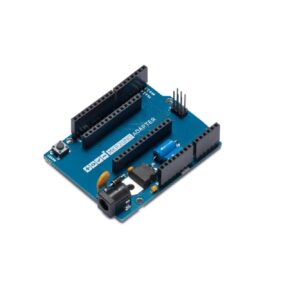
Official Arduino MKR2UNO Adapter TSX00005
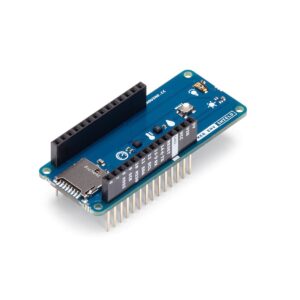
Official Arduino MKR ENV Shield Rev2 ASX00029 – Advanced Environmental Sensing Module
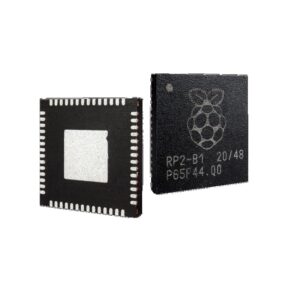
RP2040 Microcontroller IC by Raspberry PI-REEL of 100
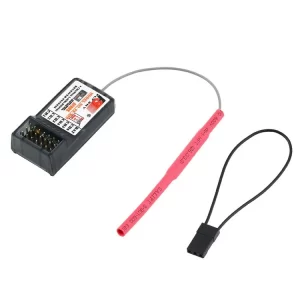
FS-R6B FlySky 2.4Ghz 6CH Receiver for RC FS-CT6B TH9x
Pro Mini ATMEGA168PA 5V/16M Improved Version Module
Raspberry Pi Camera Module 3 Wide
Official Arduino MKR Connector Carrier (Grove Compatible) ASX00007
Nano Board R3 with CH340 Chip without USB Cable Compatible with Arduino (Unsoldered) 


There are no reviews yet.